01
Welcome Screen
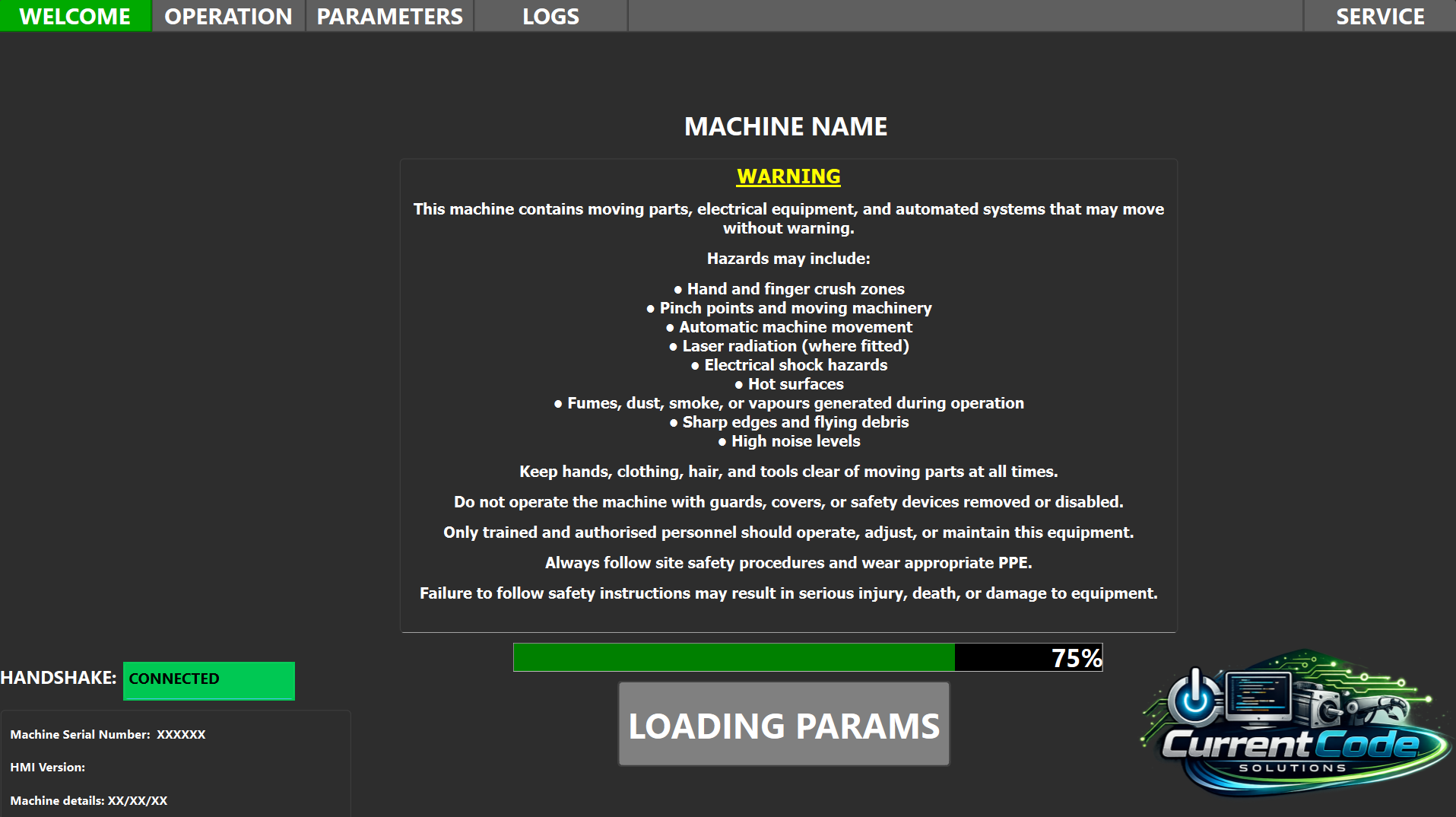
A clean opening screen gives operators a clear starting point before entering the machine controls. It sets the tone for the system and keeps navigation simple from the first touch.
Custom HMI front ends
Current Code Solutions designs HMI front ends for operation, setup, diagnostics, servicing, and machine logging. The aim is simple: clear controls, clear feedback, and screens that make sense to the people using the equipment every day.
Client and operator screens
A clean opening screen gives operators a clear starting point before entering the machine controls. It sets the tone for the system and keeps navigation simple from the first touch.
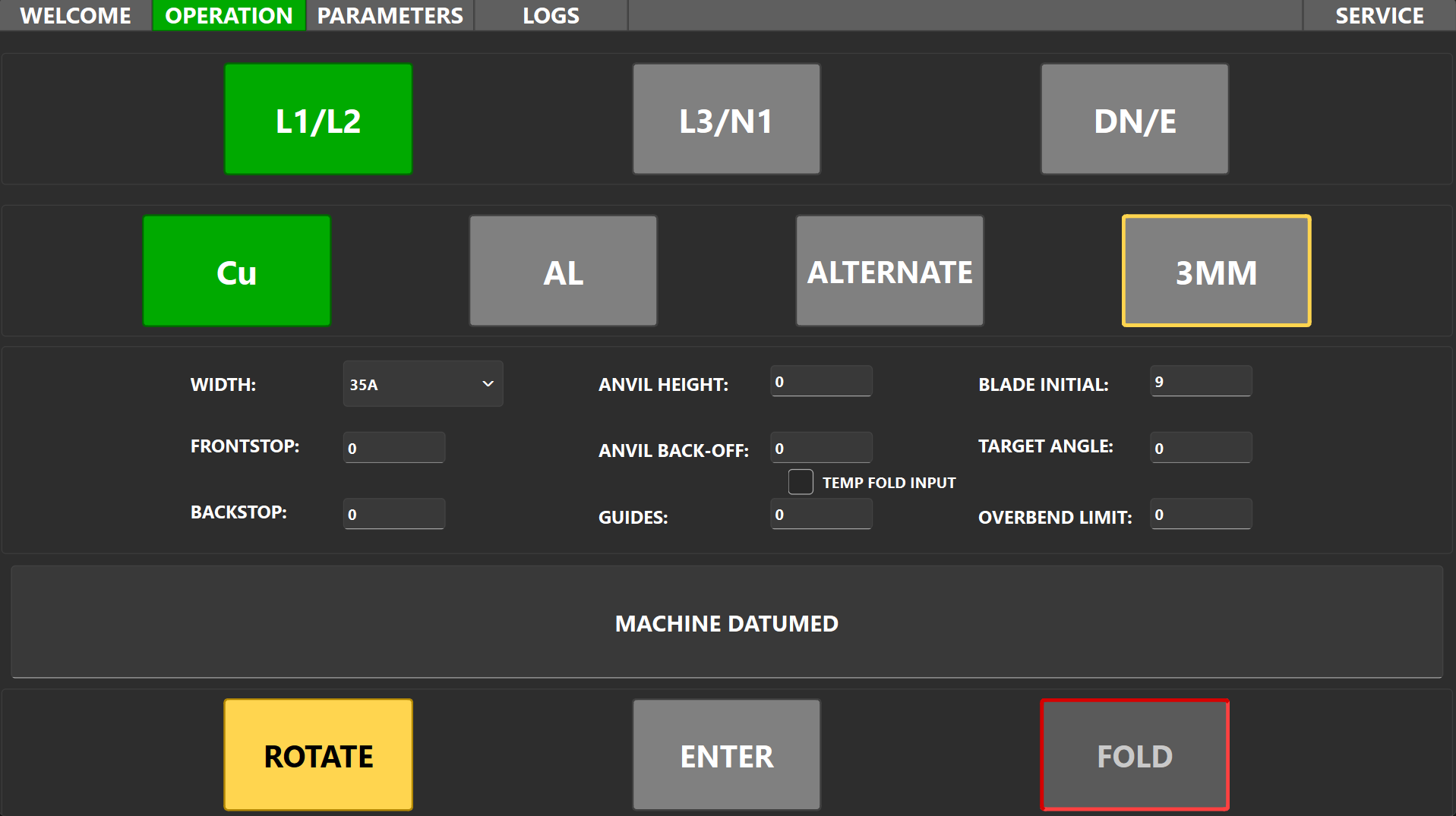
The main operation panel keeps the day-to-day controls close together, so operators can run the machine without hunting through setup or service screens.
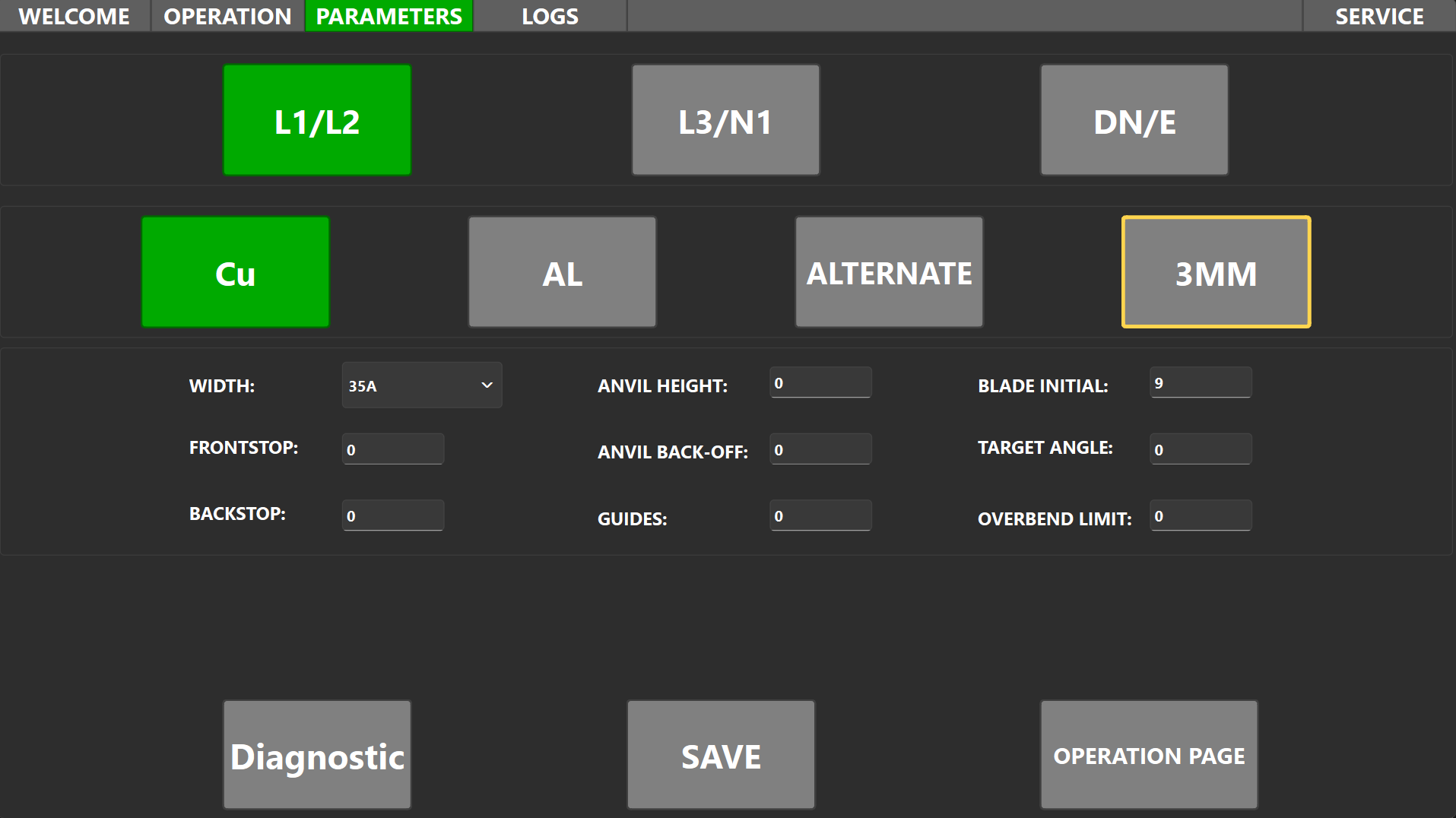
A dedicated parameters screen makes adjustable values easy to review and change. This is useful for recipes, limits, timing values, and controlled process settings.
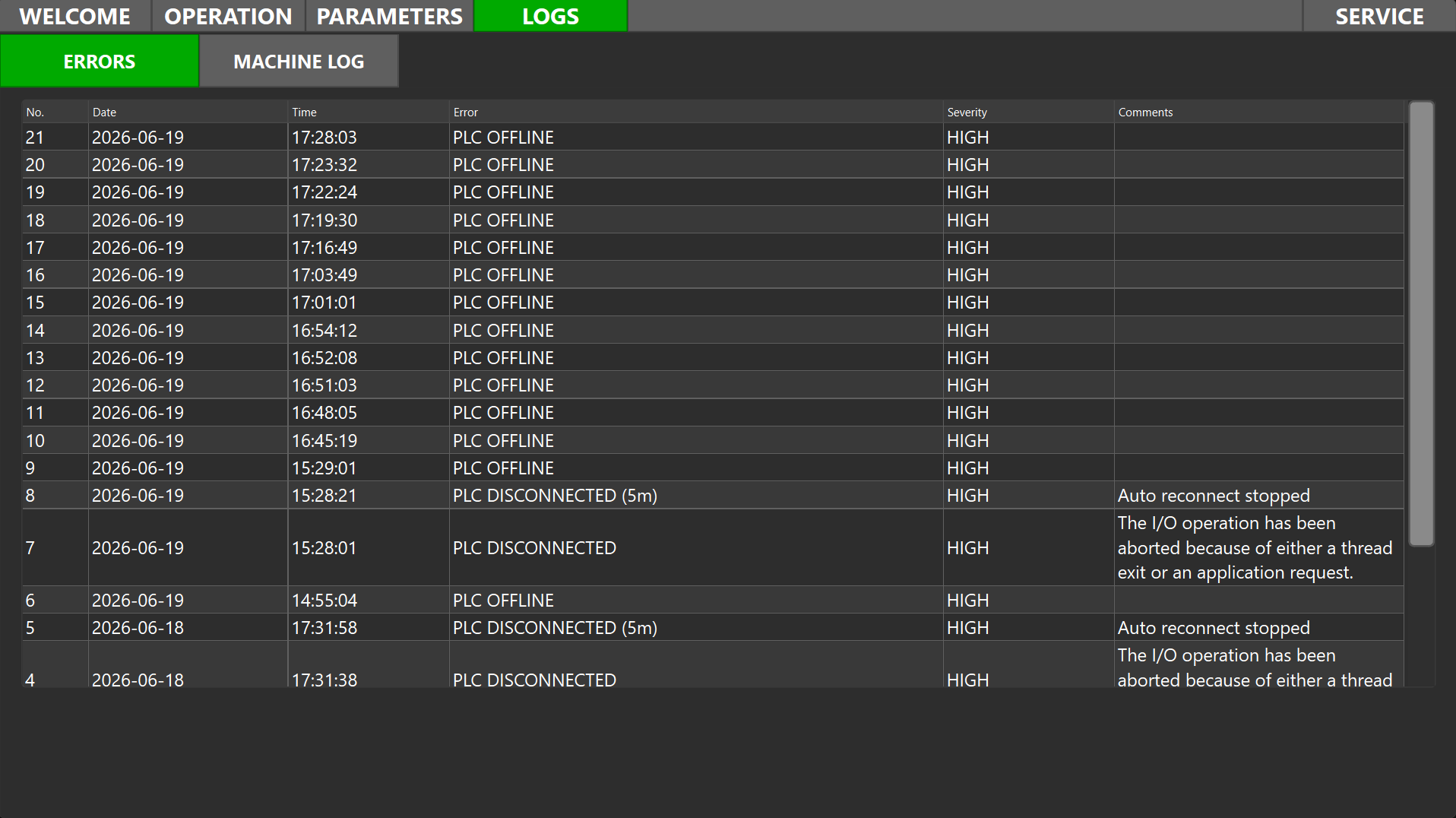
Error logs turn faults into useful information. A clear fault history helps maintenance teams diagnose problems faster and spot patterns over time.
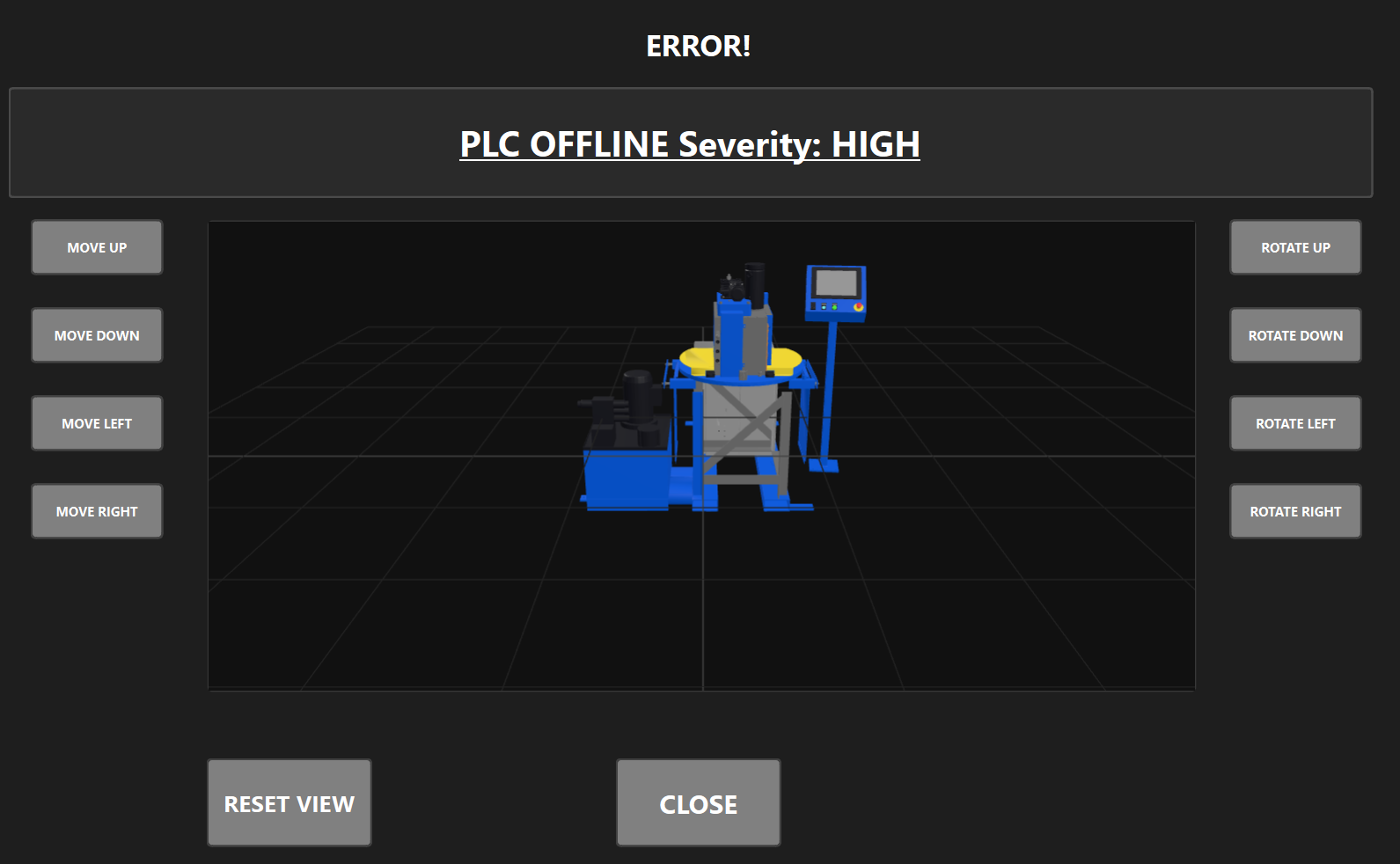
Detailed error screens give operators and engineers more context when something goes wrong, helping them move from a simple alarm message to the next useful action.
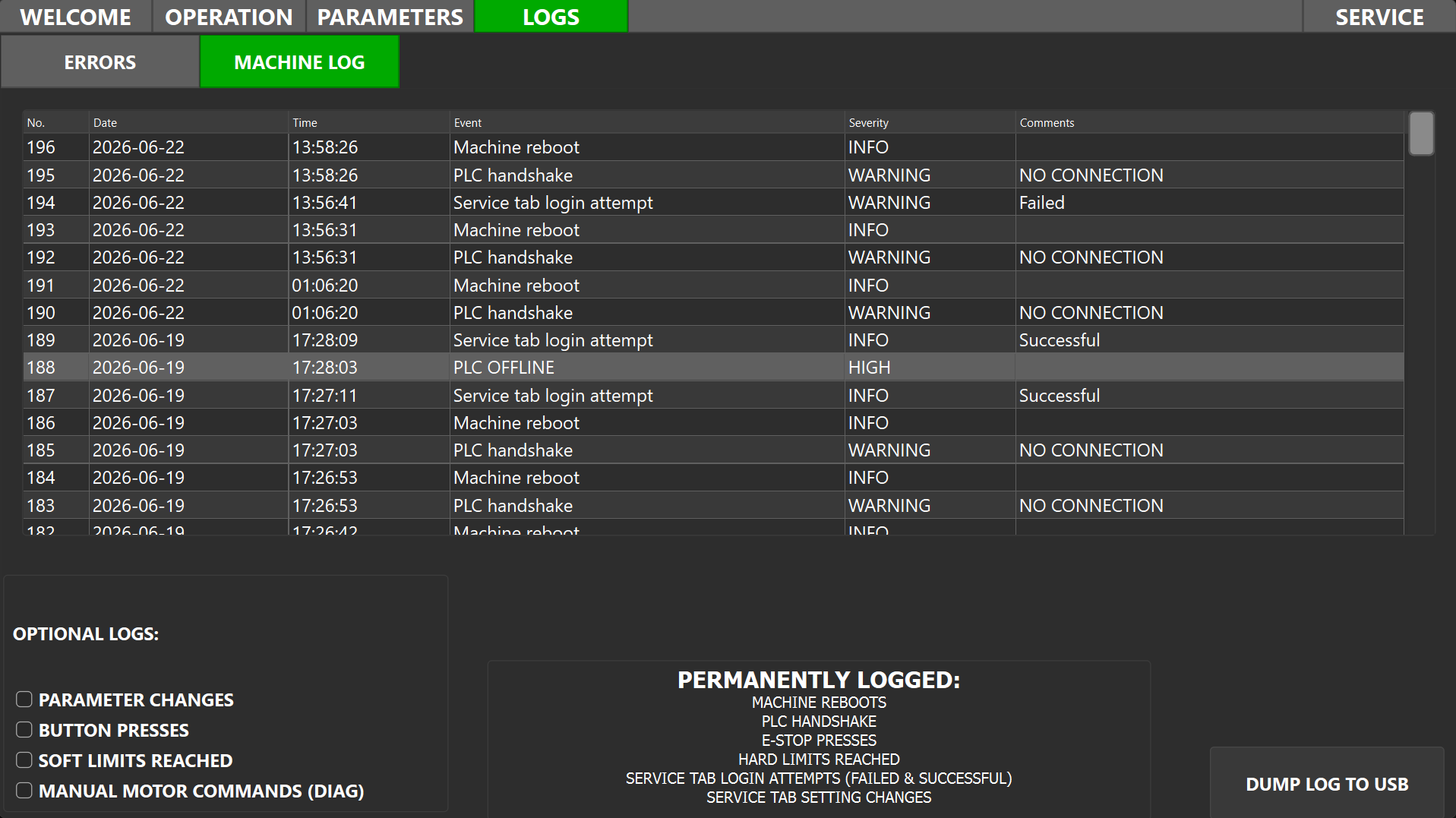
Machine logs make it easier to see what happened and when. They are valuable for shift notes, process traceability, and understanding recurring issues.
Total cycles today
The user statistics page will show production counts and useful machine totals without exposing a reset button. It is intended for day-to-day visibility, not commissioning access.
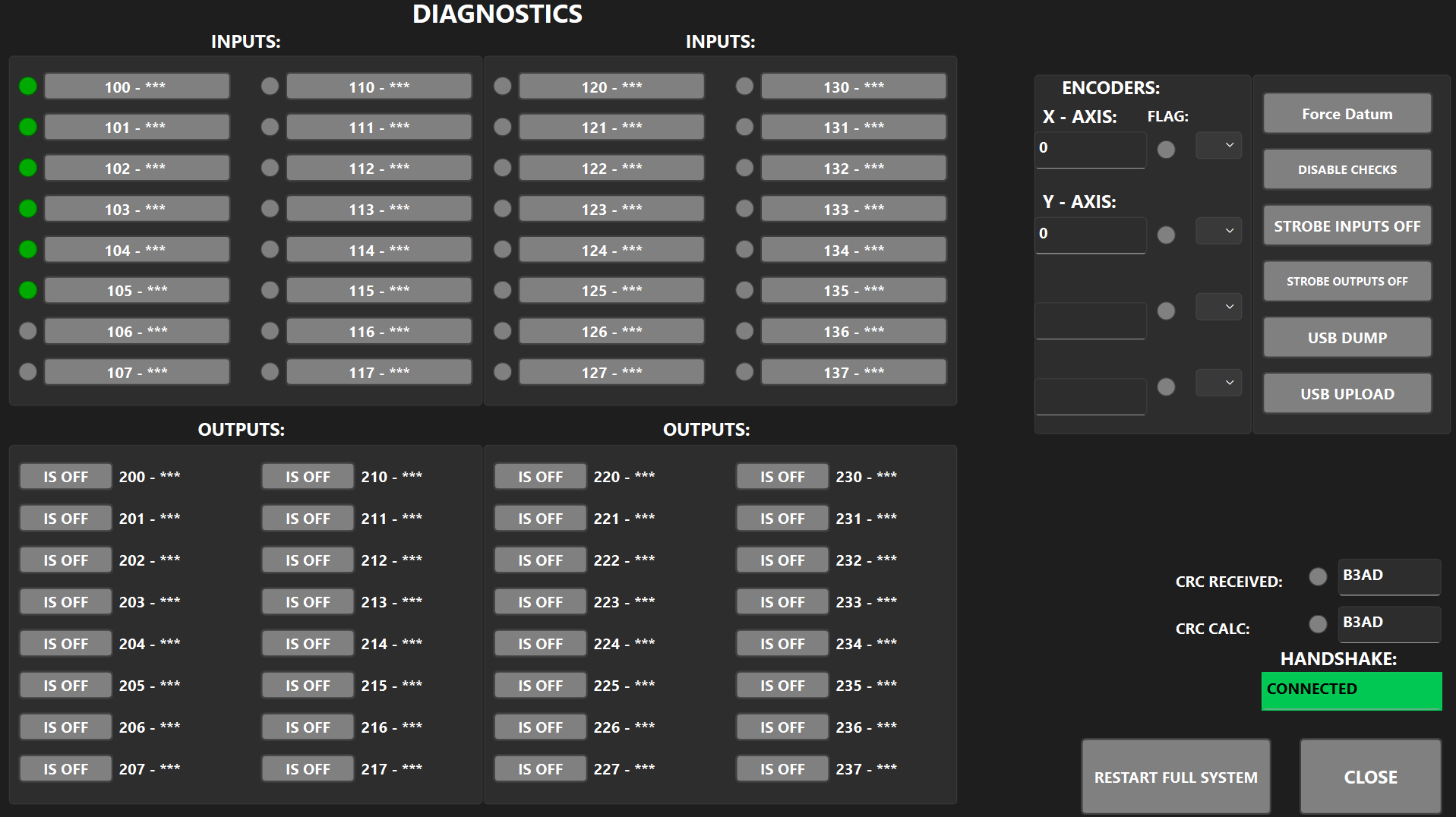
Diagnostics screens bring important input, output, and status information into one place so testing and fault-finding can happen faster.
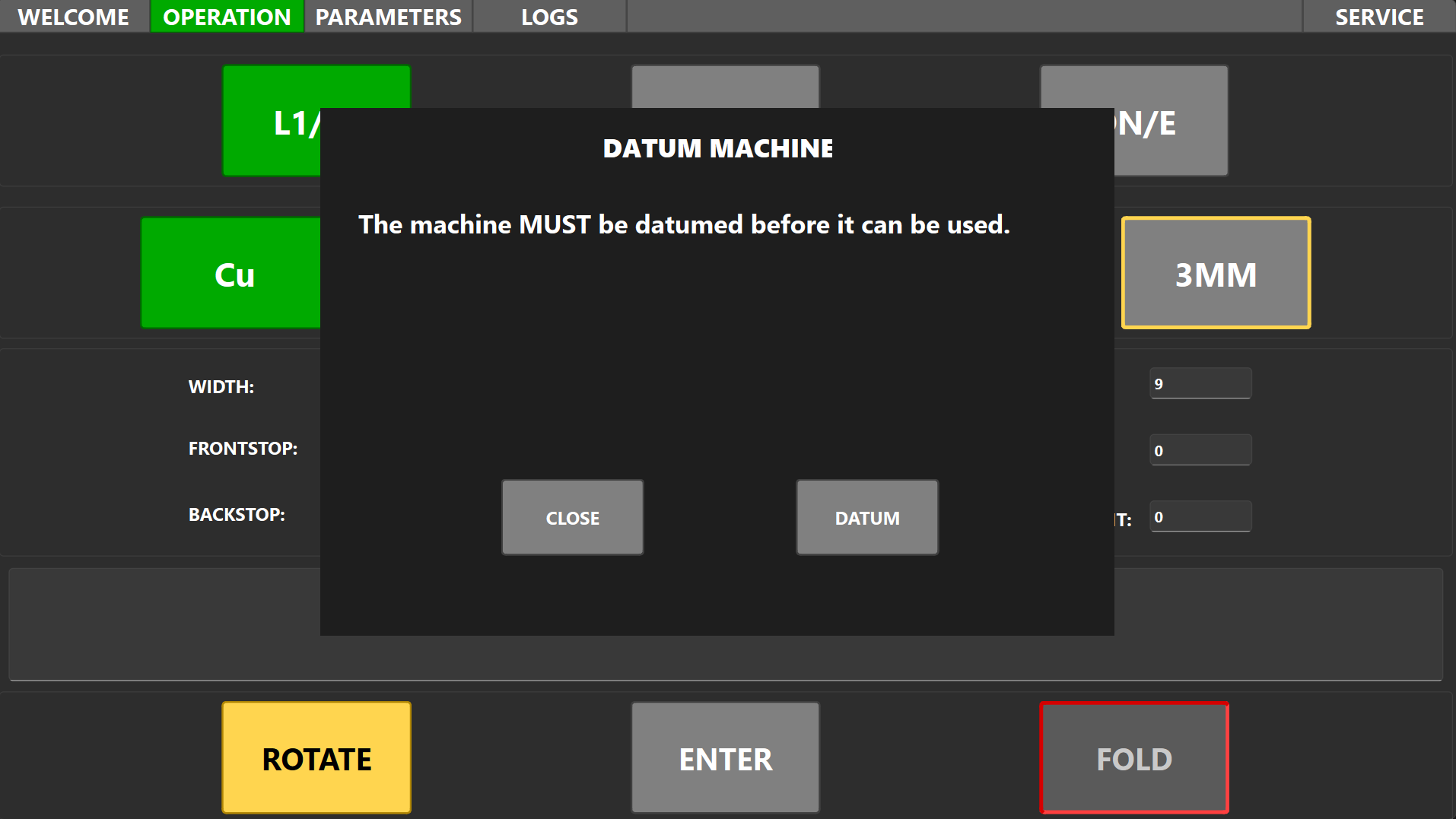
Pop-ups can guide the operator through warnings, confirmations, and important prompts without forcing them away from the current screen.
Manufacturer service screens
Positioning, setup, and reset-capable statistics screens are grouped here because they are for machine commissioning, manufacturer setup, and protected service work rather than normal client use.
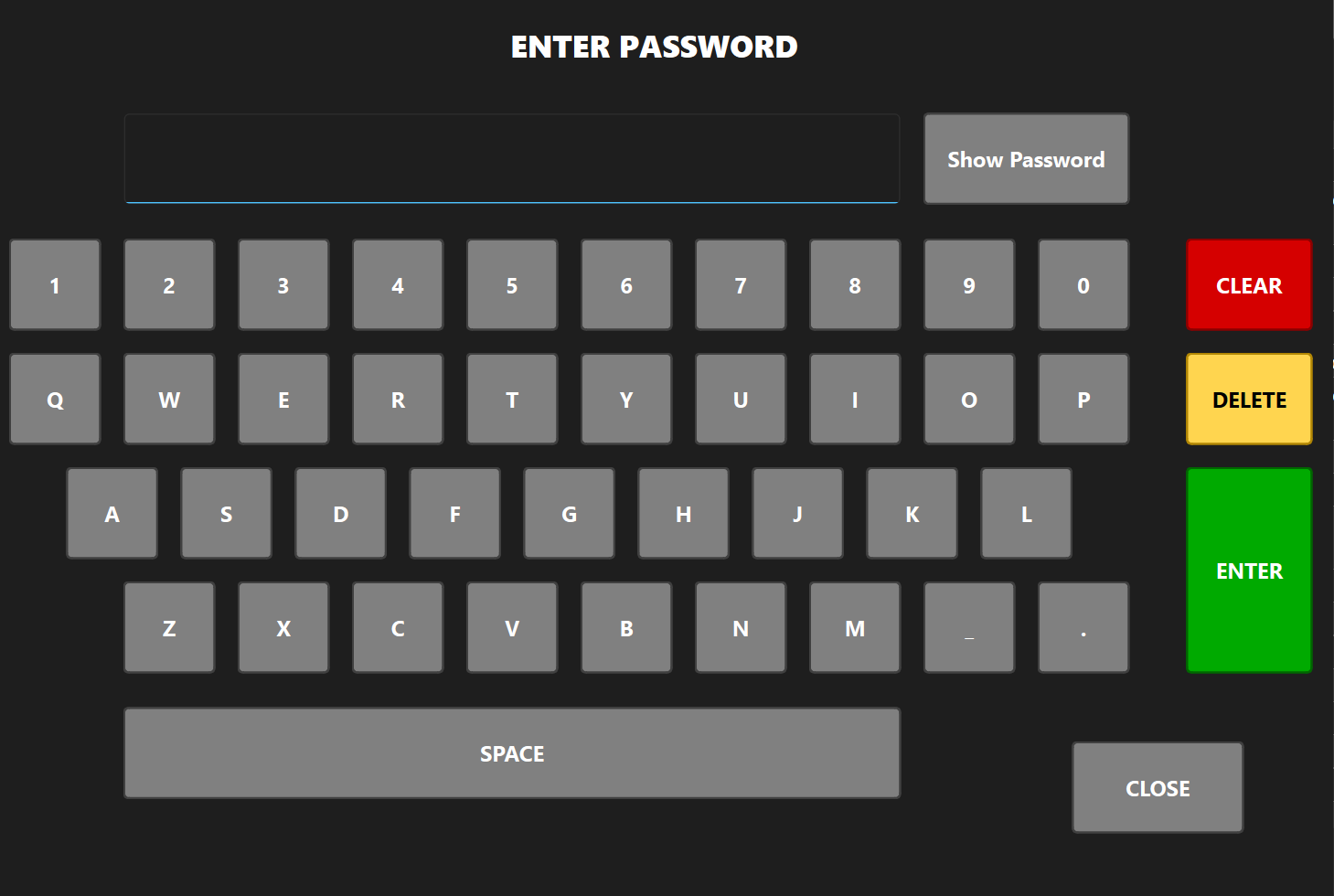
Password protection helps keep sensitive service functions away from normal operation while still allowing authorised engineers to access deeper controls.
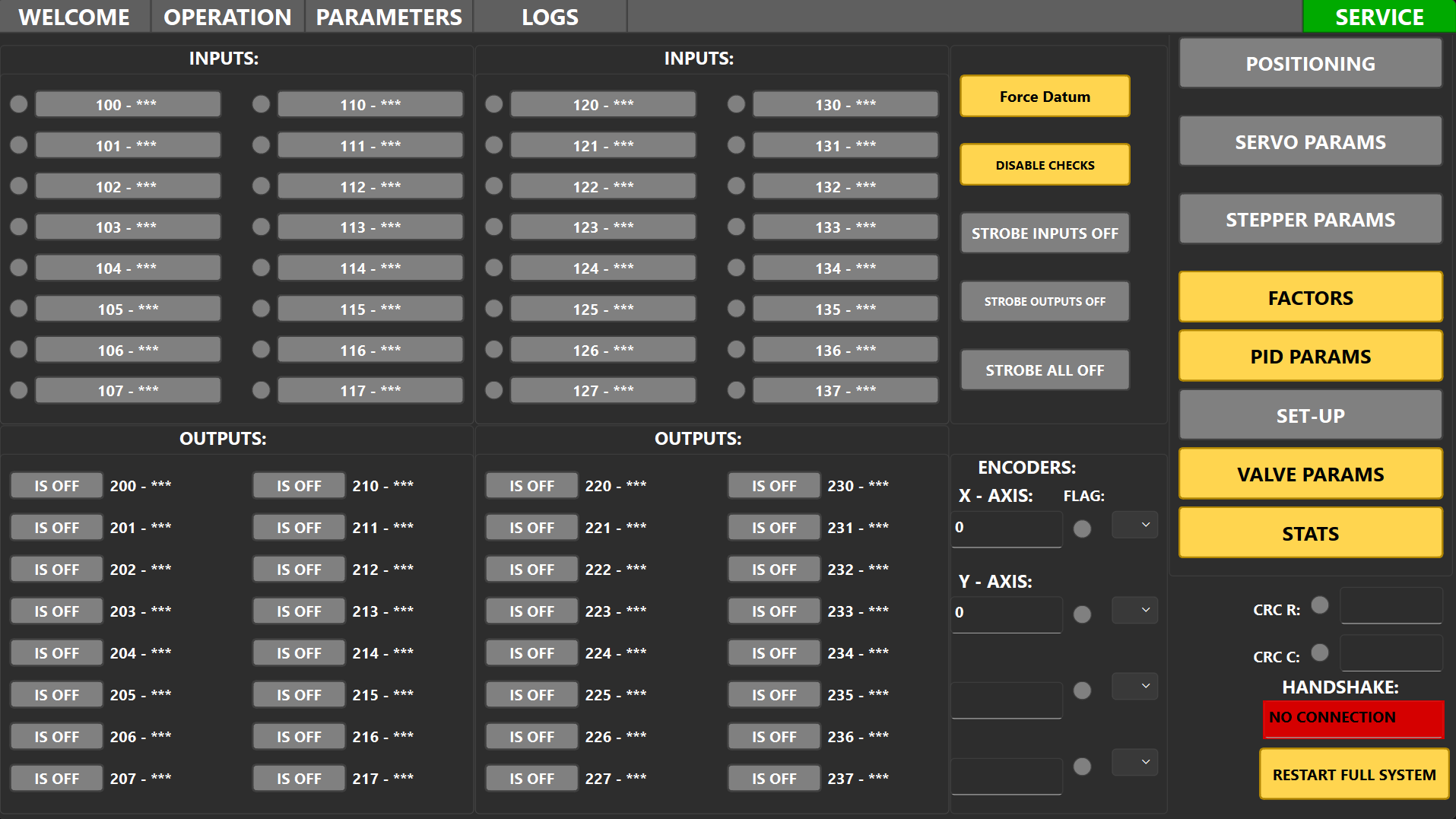
A service panel gathers maintenance functions, diagnostics, and engineering controls into one controlled area for support and fault-finding.
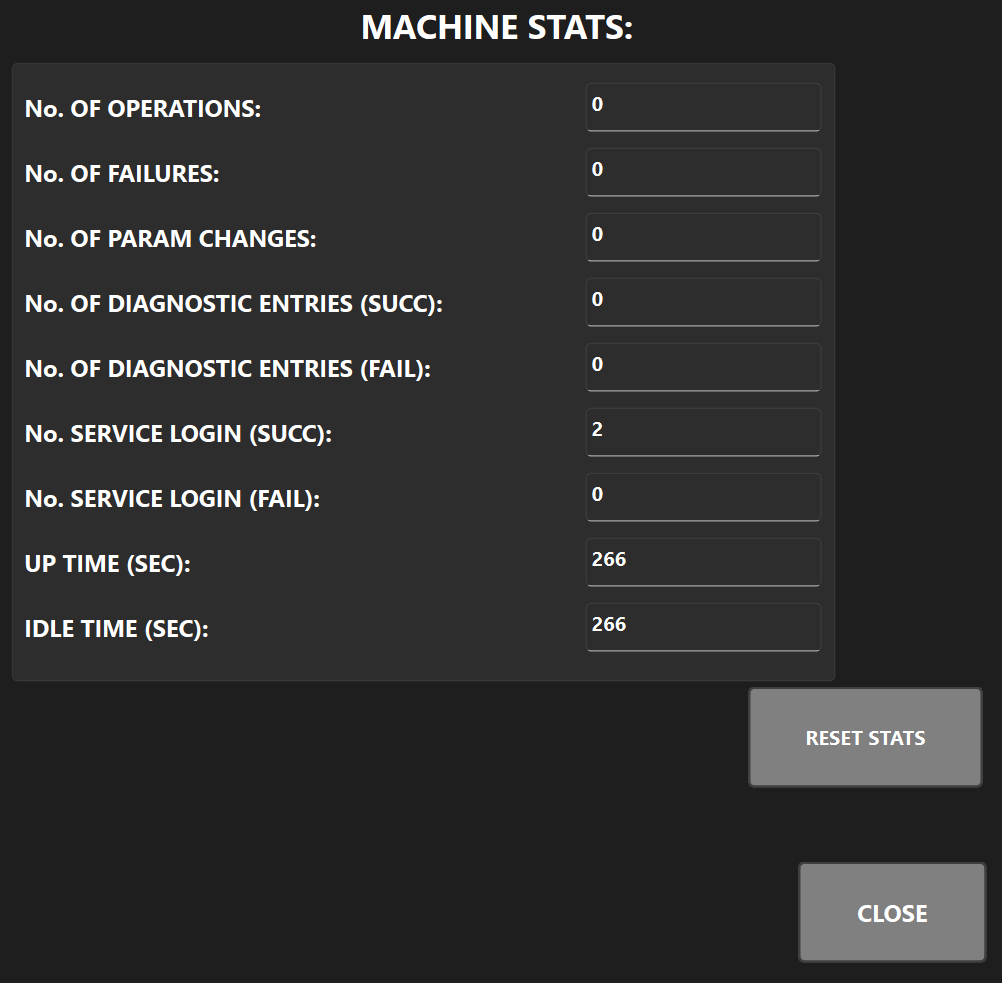
This statistics screen belongs in the protected service area because it includes manufacturer-level controls such as resetting values after setup or testing.
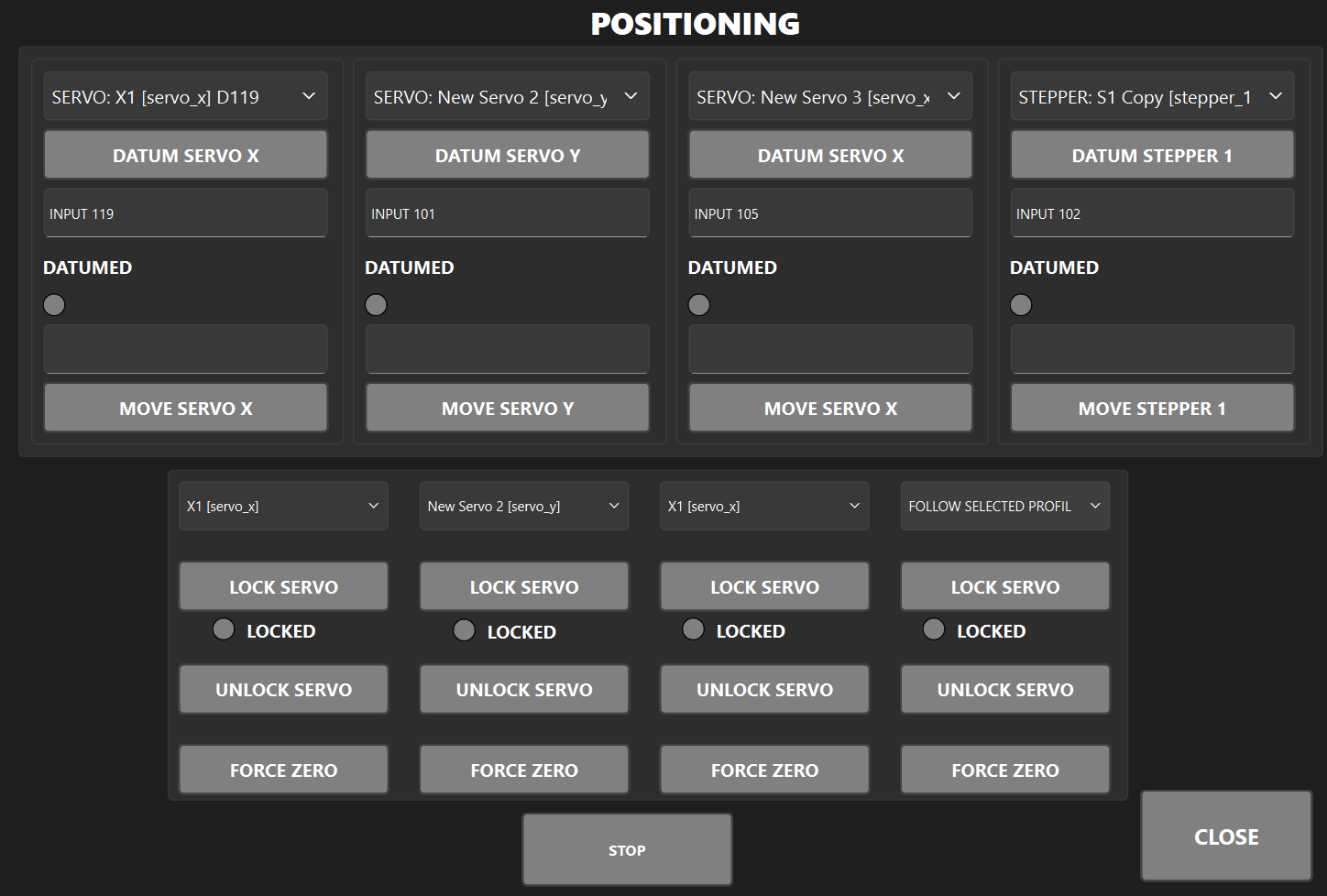
Positioning controls sit under the service panel for commissioning and setup. They help the manufacturer jog, reference, and check axis locations before handover.
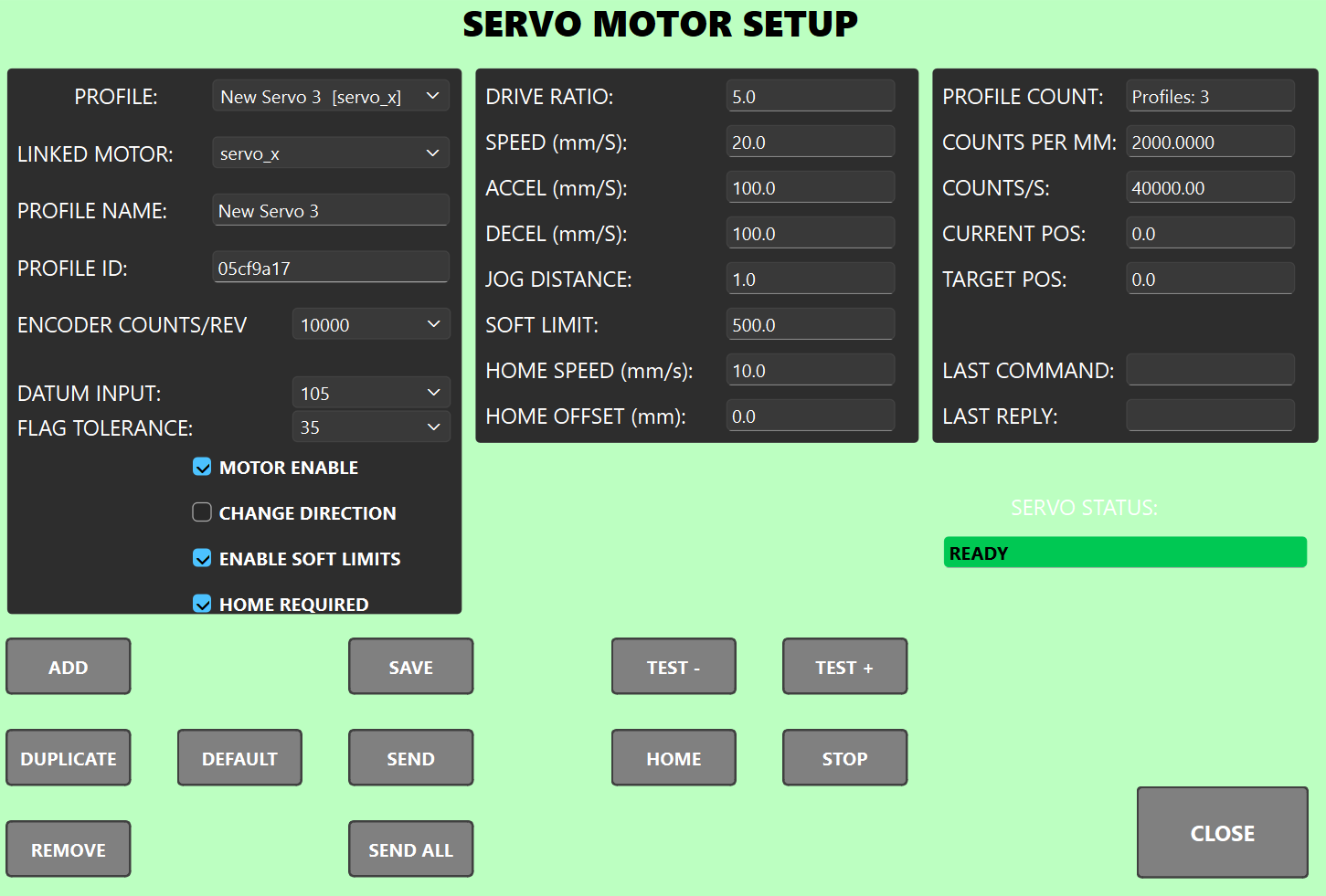
Servo setup panels give the manufacturer a focused view for drive-related values, movement checks, and tuning support without exposing those controls to normal users.
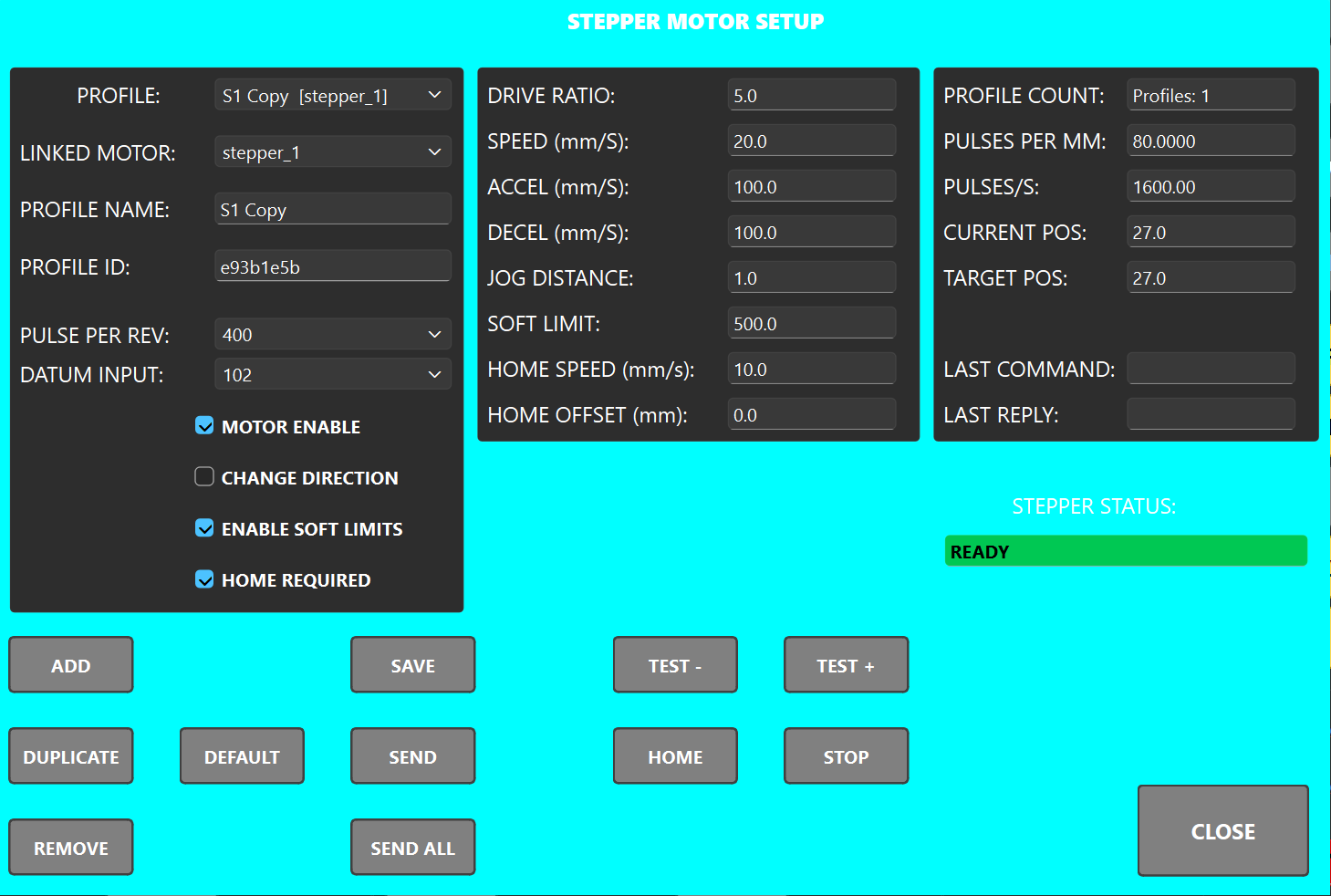
Stepper setup screens are commissioning tools for motion setup, homing, and repeatable test movement during machine build or service.
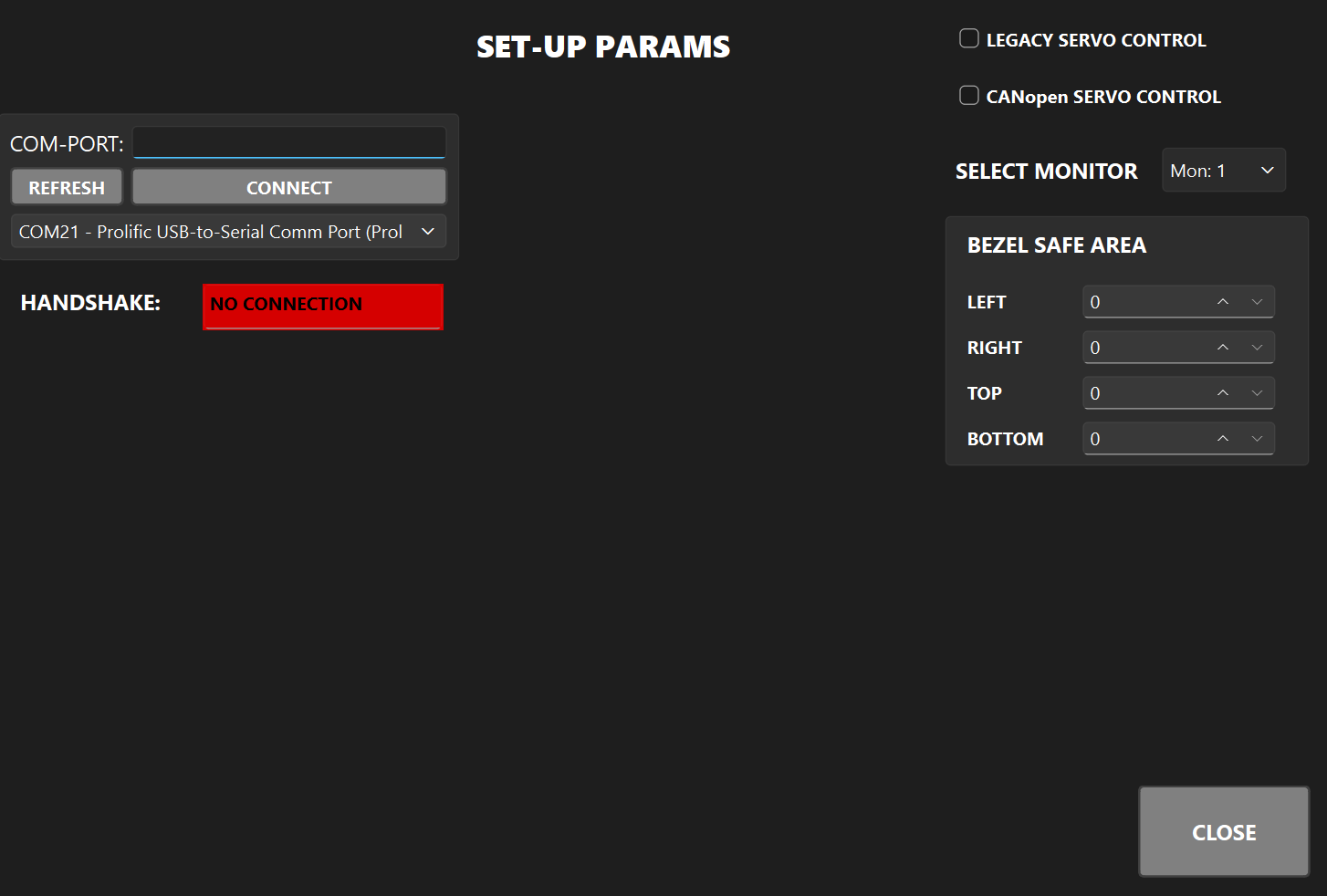
HMI setup screens belong in the manufacturer service area so commissioning and protected configuration tasks stay away from normal client operation.